


Meet Alex, a recruiter who basically lives in LinkedIn. They’re sourcing across multiple roles, juggling Boolean strings, and constantly asking the same question: “Is this person actually a fit?” With the next generation of Fetcher’s Chrome extension, Alex can source faster, evaluate candidates more confidently, and stay focused where the work actually happens.
At Fetcher, we build tools that fit into real recruiting workflows. That’s why we rebuilt our Chrome extension to bring Fetcher’s intelligence directly into LinkedIn, so you can search, assess, and move forward without switching tabs or second-guessing your decisions.
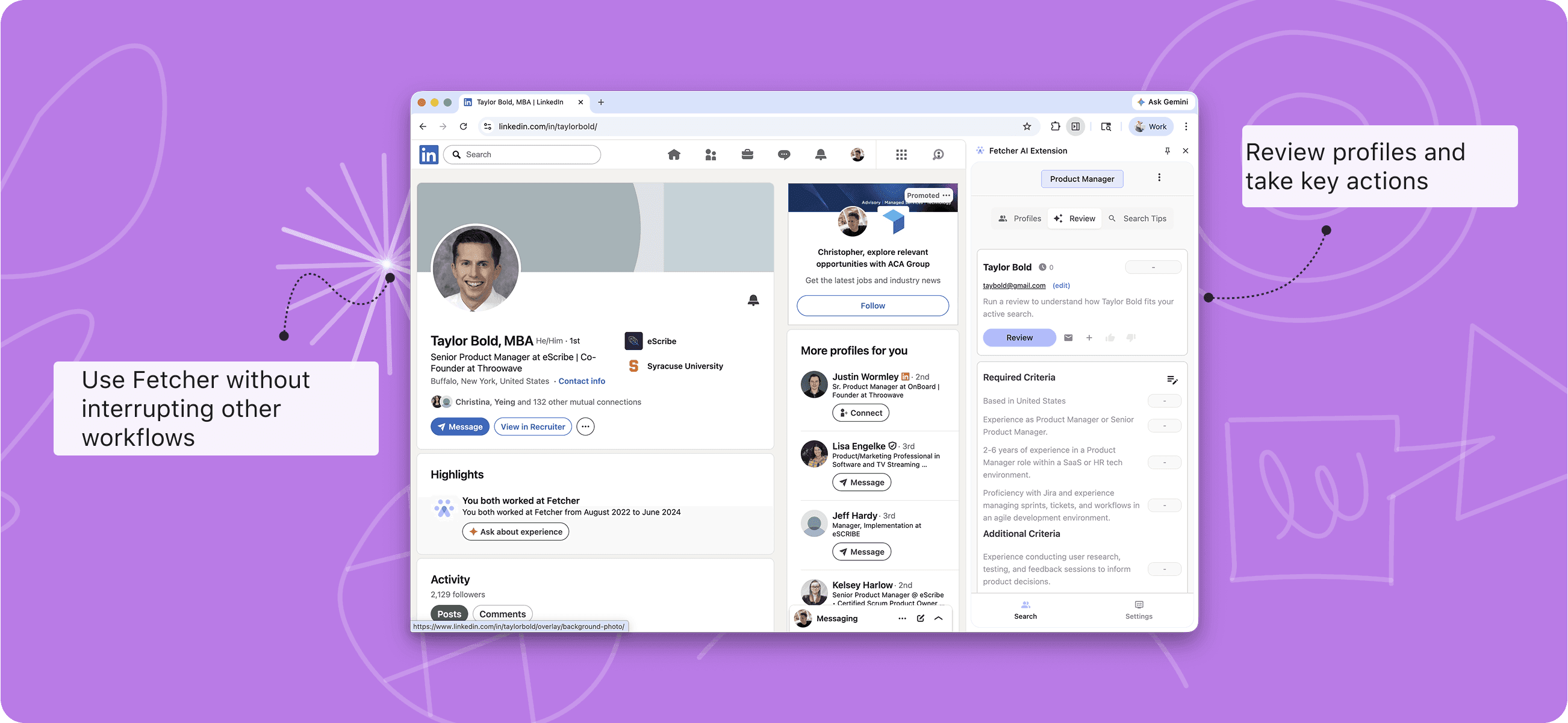
Fetcher’s intelligence, layered directly onto LinkedIn
Recruiters don’t want another place to work. They want better tools inside the places they already work.
The next generation of Fetcher’s Chrome extension turns LinkedIn into a smarter sourcing environment by layering Fetcher’s search and evaluation capabilities directly on top of it.
Now you can spend less time context-switching and more time making confident sourcing decisions. Search the Fetcher database of hundreds of millions of profiles (with verified contact information) without leaving your browser. Build and refine searches in Fetcher, then continue sourcing naturally in LinkedIn without bouncing back and forth between tools just to look someone up.
Why it matters: Faster sourcing, fewer interruptions, and a workflow that actually flows.
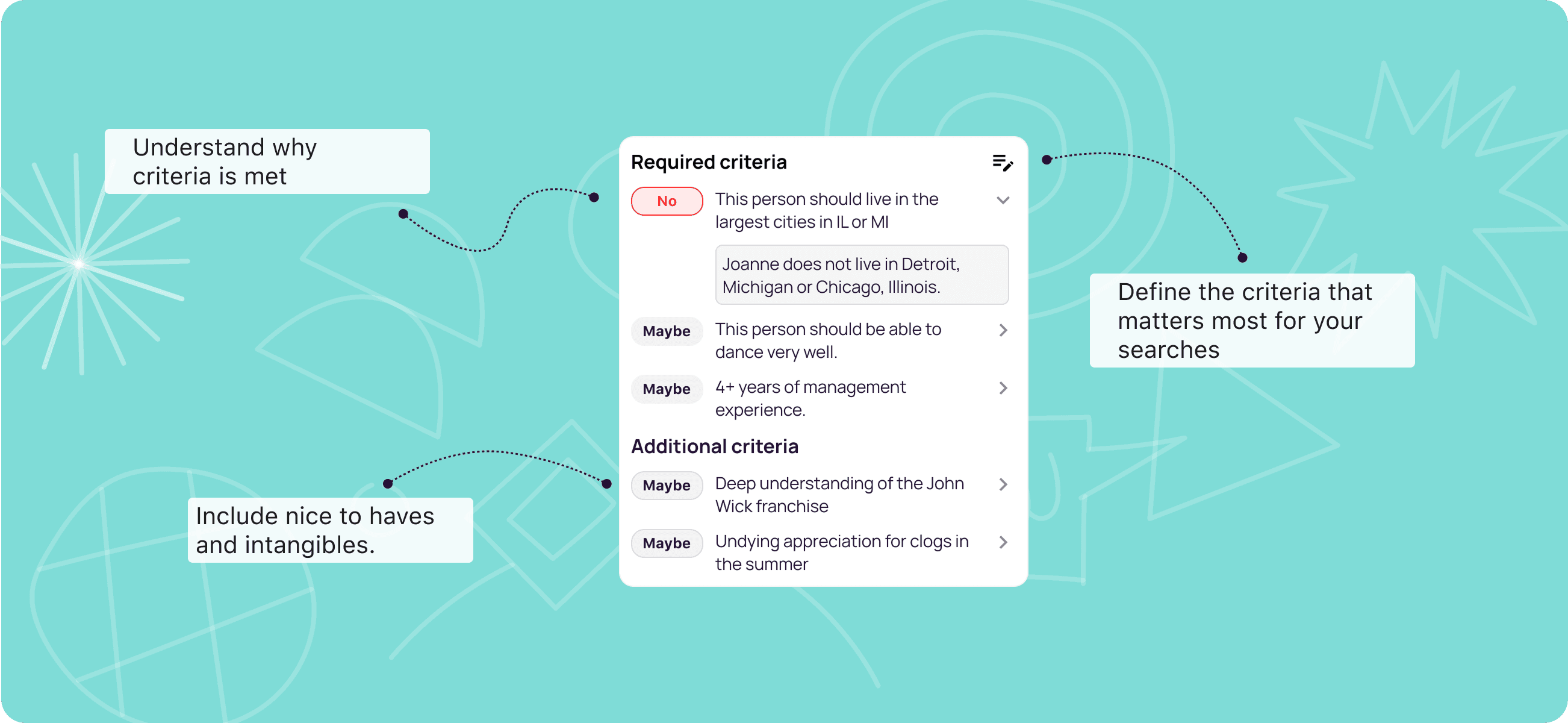
Review candidate fit with one click
When you’re viewing a LinkedIn profile, the extension lets you evaluate that profile against your active Fetcher search criteria.
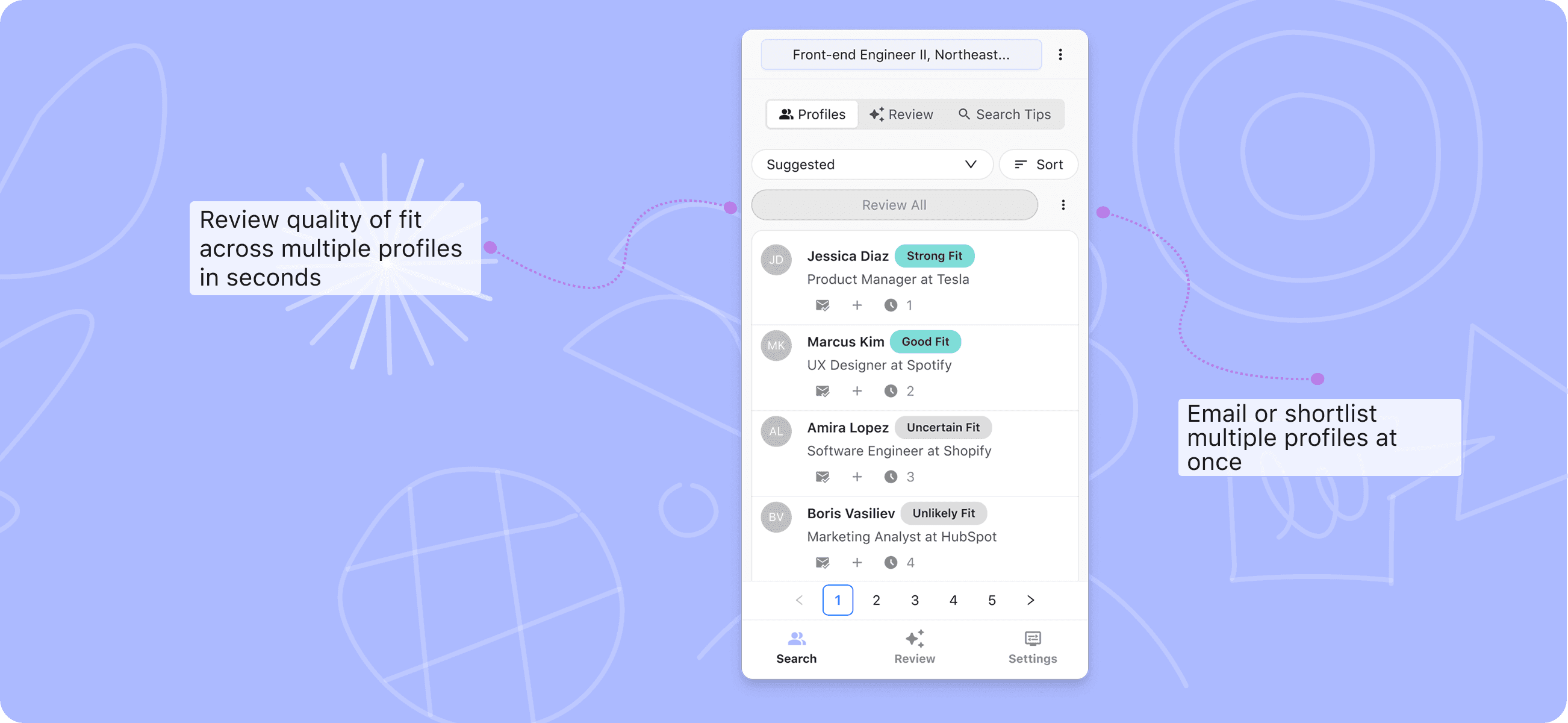
Skills, titles, locations, and must-haves are applied instantly so you can quickly tell whether someone is:
- A strong match
- Worth a closer look
- Or not the right fit
Why it matters: Less guesswork. More consistency. Clearer signals for every recruiter on your team.
Generate Boolean search strings instantly
Prefer running native LinkedIn searches? No problem.
The extension can generate Boolean search queries based on your Fetcher criteria that you can copy and paste directly into LinkedIn.
- Build your logic once
- Reuse it everywhere
- Tweak it on the fly
Why it matters: You save time and avoid rebuilding the same searches role after role.
Google X-ray searches, ready to use
If Google X-ray sourcing is your go-to, we’ve got you covered there too.
The extension generates Google X-ray search strings you can paste straight into Google to surface LinkedIn profiles that match your Fetcher criteria.
Why it matters: Whether you start in LinkedIn or Google, your search logic stays consistent.
Who gets access?
Every single customer.
This rebuilt Chrome extension is available to all Fetcher customers, on all plans. No add-ons, no upgrades required.
Try it out today
If you’re a Fetcher customer: install or update the Fetcher Chrome extension from the Chrome Web Store and start sourcing with Fetcher layered directly onto LinkedIn.
If you’re not a customer: request a demo and we’ll show you how teams use the Fetcher Chrome extension to move faster without sacrificing candidate quality.
👀 Want to see it in action? Request a demo and we’ll walk you through it.
About Fetcher
Our mission is to help you engage talent that will transform your business aspirations into reality. Great talent is hard to find—that’s why Fetcher gives you a sourcing platform that brings intelligence, consistency, and speed to every hiring workflow.
Begin building a relationship with your next great hire today and let Fetcher handle the rest. Learn more.